Help starts with a press.Response starts with a location.
Inside a covered facility, Centurion Anywhere RTLS shows the room and floor, not just the building. Below is a real incident played back in Centurion Cloud, with captions.
A real incident, played back
This is a screen recording of a real alert played back in Centurion Cloud. Captions follow a staff member from the lobby to the second floor and basement, then the full incident is logged and sent to security.
1. Ground floor
Alert activated in the lobby. Staff member begins moving.
2. Second floor
Location updates as the staff member reaches Floor 2.
3. Second floor
The location marker continues tracking movement.
4. Basement
Floor plan switches automatically as the user reaches the basement.
5. Logged
Full incident playback logged in Centurion Cloud and sent to security.
A street address gets help to the building. RTLS adds the room and floor.
Address only
1200 Example Ave
Responders arrive, then search floors, wings and rooms.
With RTLS
Room 214 · Floor 2
The alert points the team to a mapped room inside the covered facility.
Illustrative example address and room
Follow one alert from corridor to command center.
Three steps, one floor. See how an alert can identify who needs help, the room and floor they are in, and start the response your team configured. Every layout here is illustrative.
Illustrative floor, not a real facility
Illustrative sequence. Playback speed does not represent system response time.
Room 214 · Floor 2
Press Play to follow a staff member down the corridor, through the door and into Room 214. Or step through at your own pace.
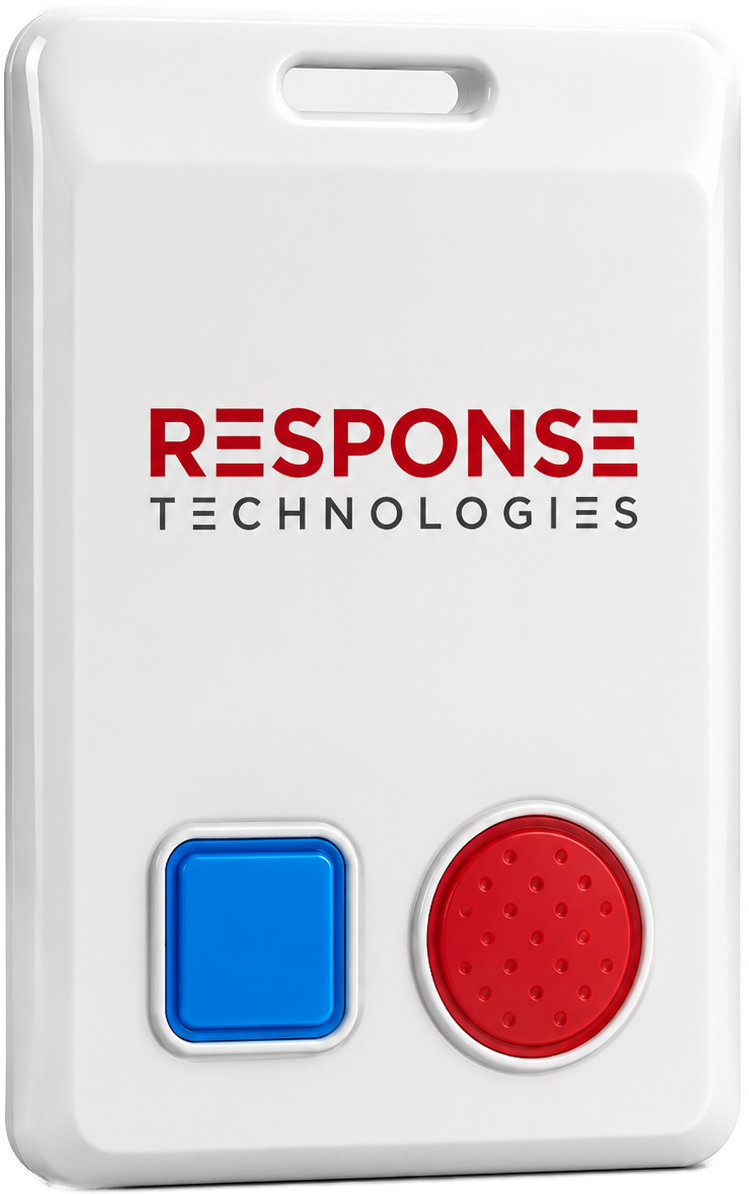
Simple for the wearer. Clear for the team.
Designed for moments when fine motor skills, memory and a phone cannot be counted on. Choose a button to see how the illustrated school configuration routes it.
Routing example only; nothing is sent. Notification paths and button behavior are confirmed with each customer during deployment. Healthcare deployments notify the configured hospital security team.
One place to see it, review it and manage it.
Built for buildings where minutes are spent searching.
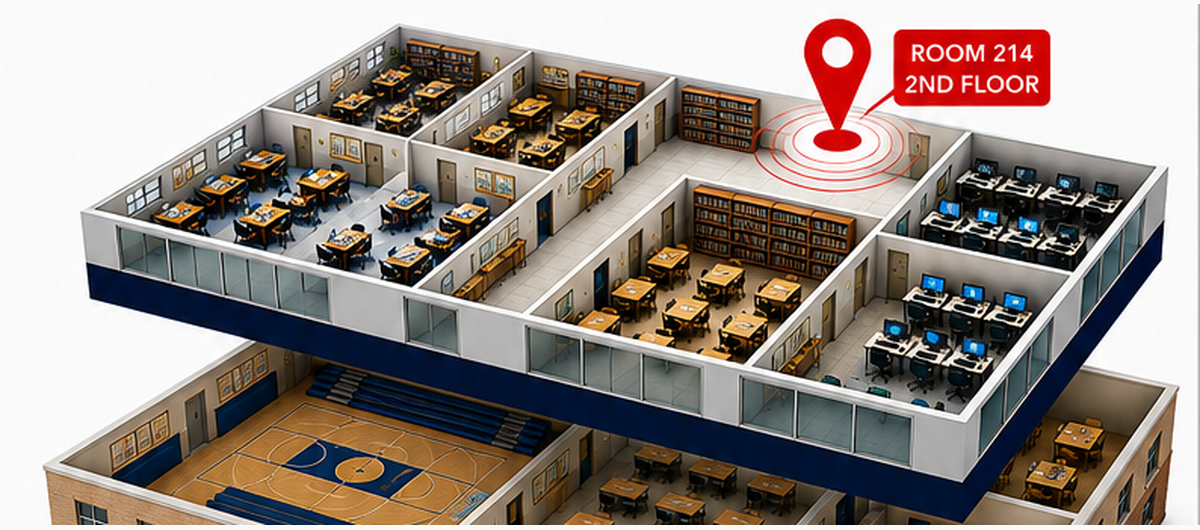
K-12 schools
A staff activation in Room 214, Floor 2, with internal team and police notification options in the illustrated configuration.
Explore K-12 schools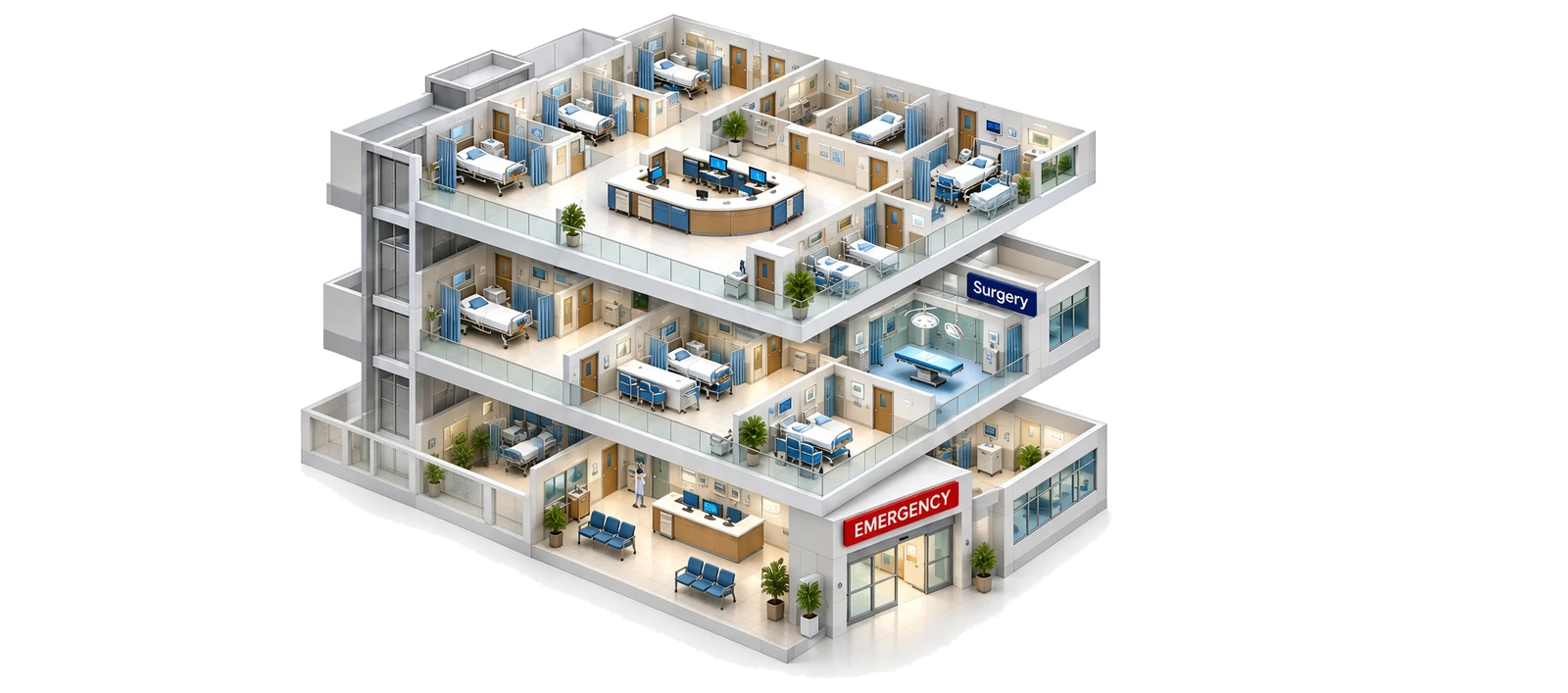
Hospitals & acute care
An illustrative Code Gray in the ICU on Floor 3, with the configured hospital security team notified.
Explore Hospitals & acute careConcept artwork from client brochures
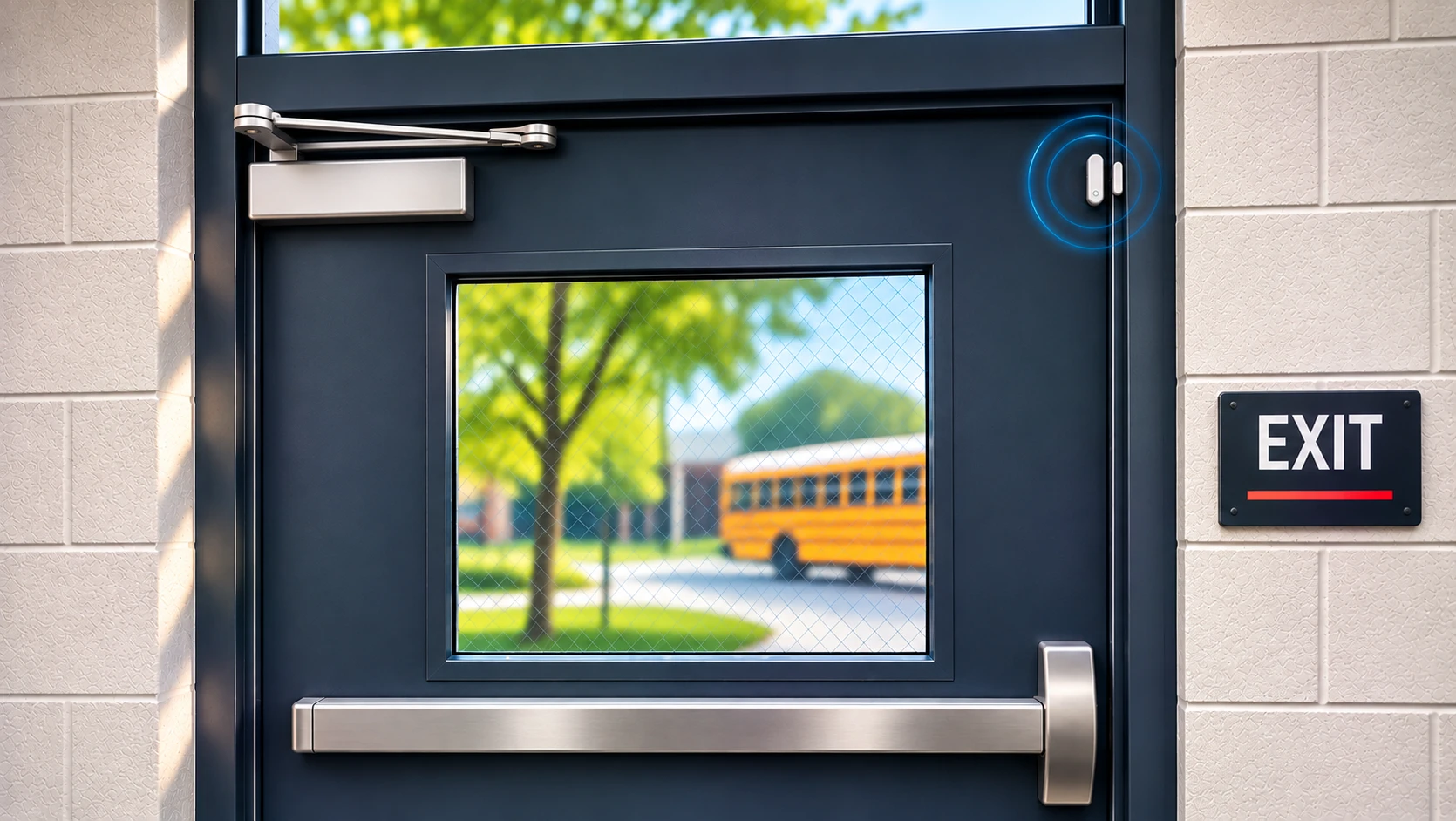
Doors are part of the indoor picture.
Door sensors run on the same Bluetooth anchors as RTLS and report when a door opens, is propped open or is left open too long. Alerts can go to the right people, including straight to two-way radio, and sensor batteries last 5+ years.
Radio output for RTLS.
Wearable alerts will announce the wearer's dynamic location audibly over your team's two-way radios.
Outside, inside, or both.
GPS
GPS determines location and the cellular network transmits the alert, for staff who work in the community.
Learn moreUnified
Outdoor GPS plus indoor anchors on one badge, with automatic handoff to the best available location.
Learn moreRTLS
Bluetooth anchors installed on site associate alerts with a mapped room and floor inside covered areas.
Learn moreIndoor coverage is scoped to the areas where anchors are installed and validated during deployment.
A recommended planning process.
How we suggest working through an indoor deployment with your team. Final steps are agreed per facility.
- 01DefineMap the rooms, floors and responder groups you want covered.
- 02ReviewWalk through floor plans and plan anchor coverage for those areas.
- 03ConfirmAgree who is notified for each button and scenario.
- 04ValidateTest location and alerts on site, then train your team.
Frequently asked

Plan your RTLS deployment
Leave your email and we will set up a consultation to review your facility and coverage areas.
Planning for indoor coverage?
Talk with our team about your facilities, your responders and how RTLS could fit.
Talk to Response Technologies
Tell us about your site and we'll respond within one business day.